Fully compatible with All WordPress versions & All WooCommerce versions
WooCommerce Sales Dashboard – Analytics & Reports
WooCommerce Sales Dashboard – Analytics & Reports: Understand Your Store at a Glance
Running an online store means making decisions every day, and good decisions need clear numbers. The WooCommerce Sales Dashboard plugin turns your order data into a clean, animated analytics screen, so you can understand revenue, orders, customers and products in seconds instead of digging through endless tables and exports.
It reads your existing WooCommerce data, so there is nothing to import. Install, activate and open the dashboard.
Complete Sales Overview
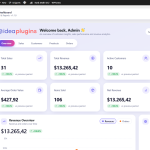
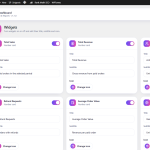
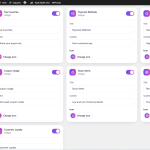
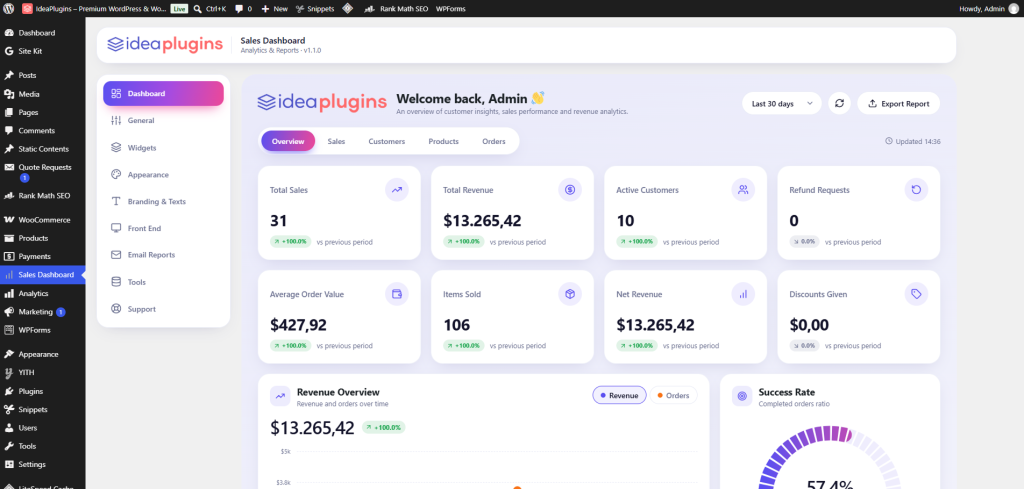
Track the numbers that matter most in one row of premium cards: total sales, total revenue, active customers, refund requests, average order value, items sold, net revenue and discounts given. Every card includes a growth badge that compares the current period with the previous one, so you instantly see whether your store is moving in the right direction. Numbers count up smoothly when the page loads, and you can decide which cards to show.
Interactive Revenue Chart
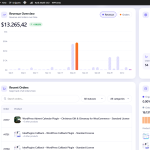
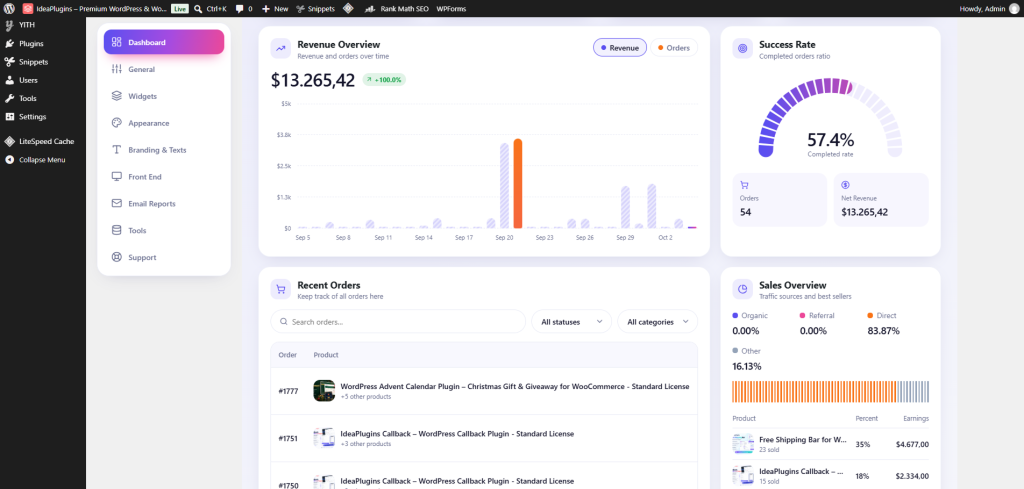
See how your income develops over time with a clean bar chart. Hover any bar to view the exact revenue and number of orders for that day or month, and switch the chart between revenue and orders with a single click. The highest point is highlighted automatically.
Flexible Date Ranges
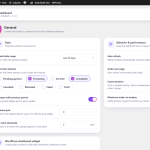
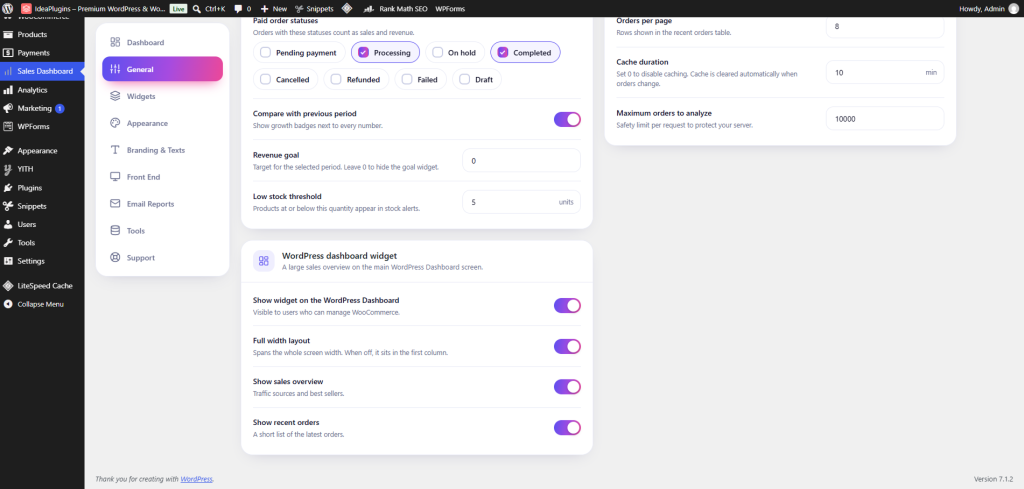
Choose a preset such as the last 7, 30 or 90 days, this month, last month or this year, or pick your own custom dates. You can also set which statuses count as paid orders, for example processing and completed, so the figures match the way you do business.
Order Success Rate
A beautiful gauge shows the percentage of completed orders, next to your net revenue and total order count. It is a quick health check for fulfillment and payment issues.
Traffic Sources and Best Sellers
Using WooCommerce order attribution, the Sales Overview widget shows whether your sales come from organic search, referrals, direct visits or marketing campaigns. Right below, a best sellers list displays product images, units sold, share of revenue and earnings, so you know which products deserve more attention.
Order Status Breakdown
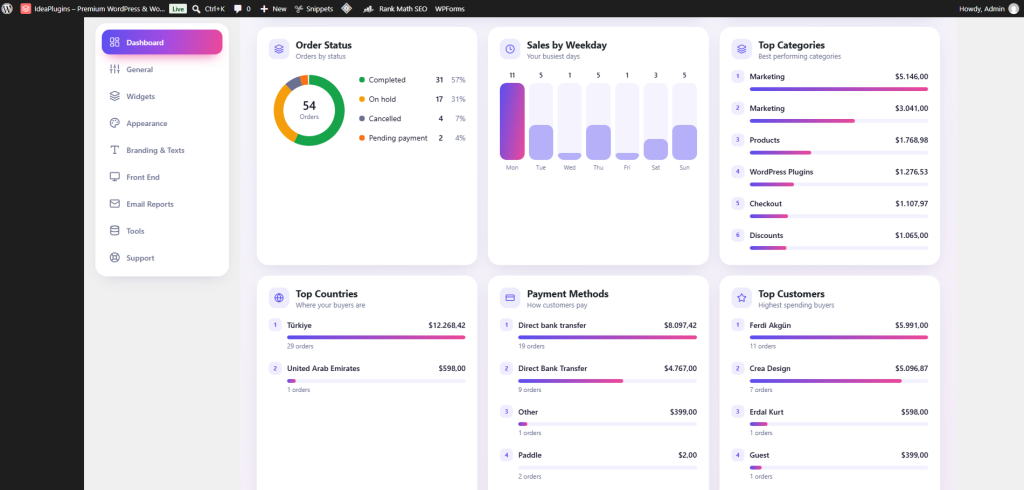
A colorful donut chart groups your orders by status, including completed, processing, on hold, pending, cancelled, refunded and failed. Spot stuck orders early and keep your workflow smooth.
Sales by Weekday
Find out which days bring the most orders. The weekday chart highlights your busiest day, which helps you plan promotions, email campaigns and customer support hours.
Categories, Countries and Payment Methods
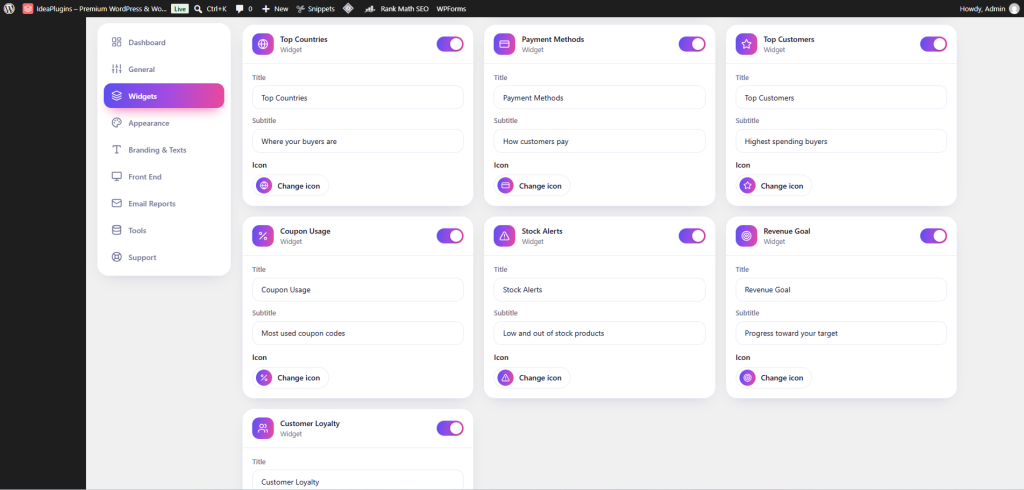
Understand where your money comes from. Ranked lists with animated progress bars show your top product categories, your top buyer countries and the payment methods your customers prefer.
Coupon Usage
See which coupon codes are used most and how much discount they gave away. This makes it easier to judge whether a promotion is paying off.
Top Customers and Customer Loyalty
Meet your best buyers with a list of the highest spending customers. A loyalty widget compares new buyers with returning buyers, so you can measure how well your store builds repeat business.
Stock Alerts
Low stock and out of stock products are listed in a dedicated widget, with direct links to edit them. You choose the low stock threshold, and you can fix inventory problems before they cost you sales.
Revenue Goal Tracking
Set a revenue target and follow your progress with an animated progress ring.
Recent Orders Table
Browse the latest orders with product thumbnails, customer, date, payment method, amount and colored status badges. Search by keyword, filter by status or category, and open an order with one click. On small screens the table turns into a clean card layout, so nothing feels cramped.
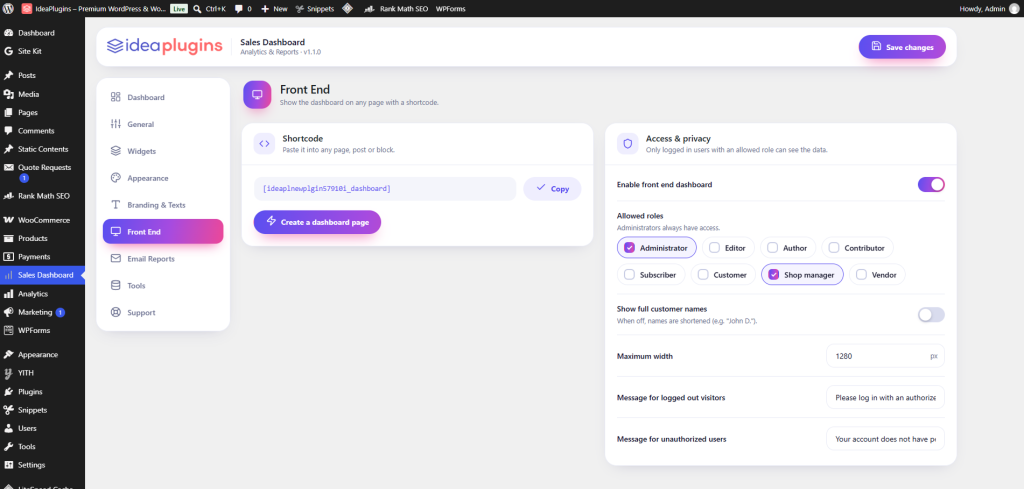
The WooCommerce Sales Dashboard plugin turns your store data into a premium, animated analytics screen. Track total sales, revenue, net revenue, average order value, customers and refunds, with growth badges that compare every period.
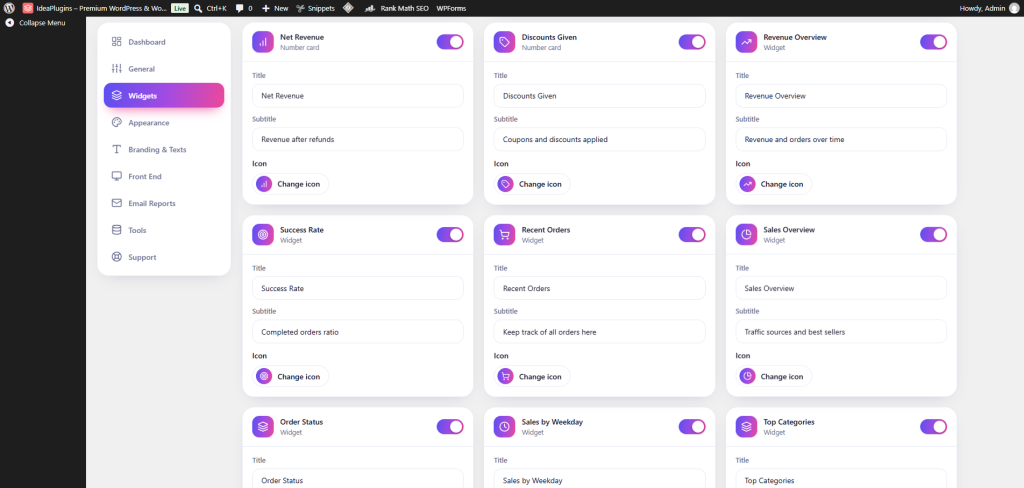
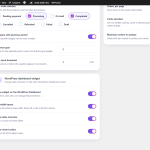
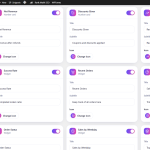
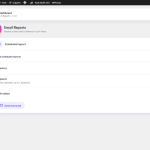
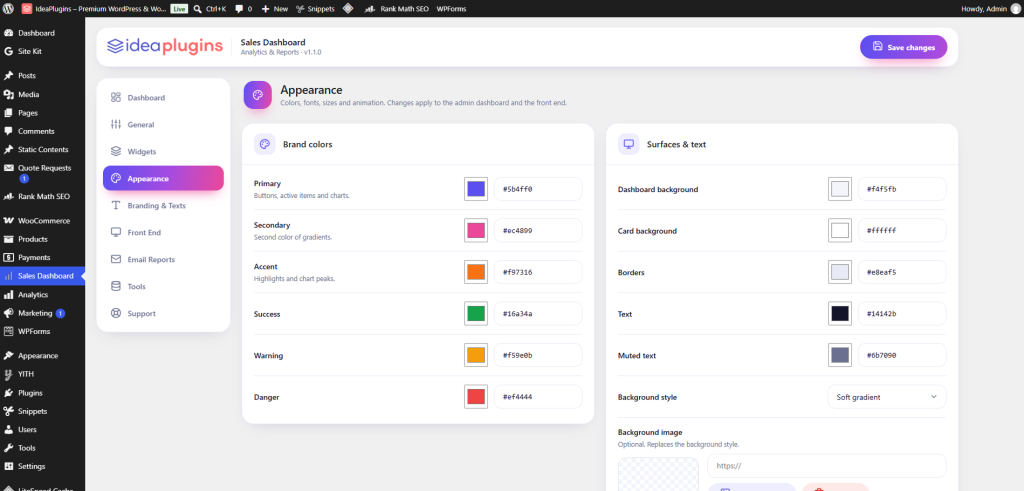
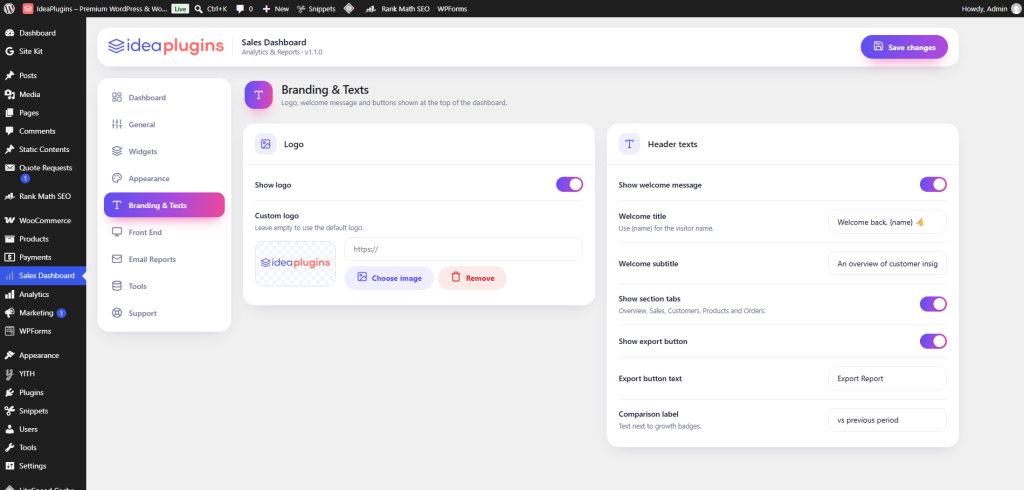
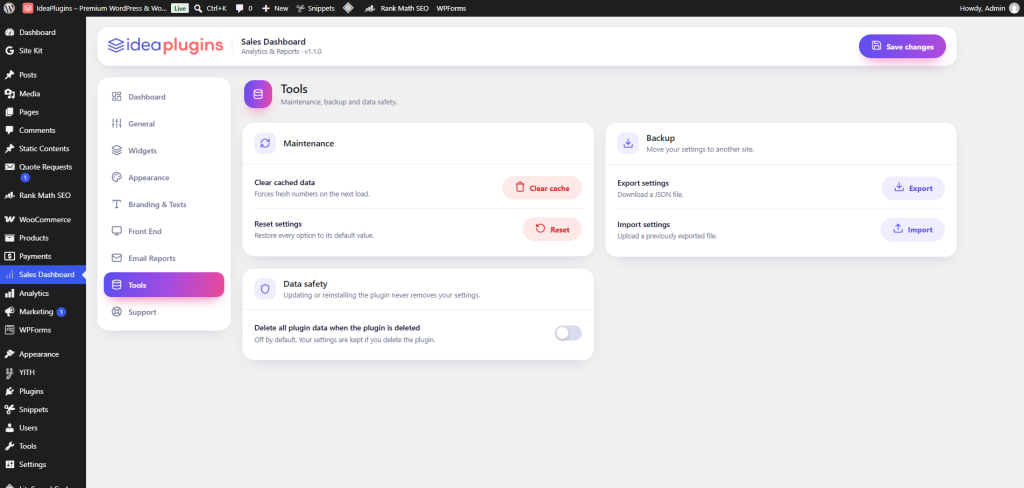
Explore an interactive revenue chart, order status breakdown, traffic sources, best sellers, top categories, countries and payment methods. Watch stock alerts, coupon usage and revenue goals in one place. View everything in a dedicated admin page, a large WordPress Dashboard widget or on any page with a shortcode. Download CSV reports too. Customize colors, icons, texts and widgets easily, and enjoy a fast, secure, responsive experience.
Easy download & install
100% secure
Fast setup, no code needed
Stay up to date
01Level up your setup
You May Also Like
Hand-picked companions that unlock even more from this plugin — add them to your setup and start seeing results sooner.